In computer networking, devices like routers and switches are essential for connecting computers and managing data traffic efficiently. Understanding these devices and network architectures, such as LAN (Local Area Network) and WAN (Wide Area Network), is fundamental for designing, operating, and securing communication networks.
Network Devices
Efficient networking depends on specialised devices that handle traffic management, connectivity, and segmentation across systems. Here are the primary network devices that enable seamless communication: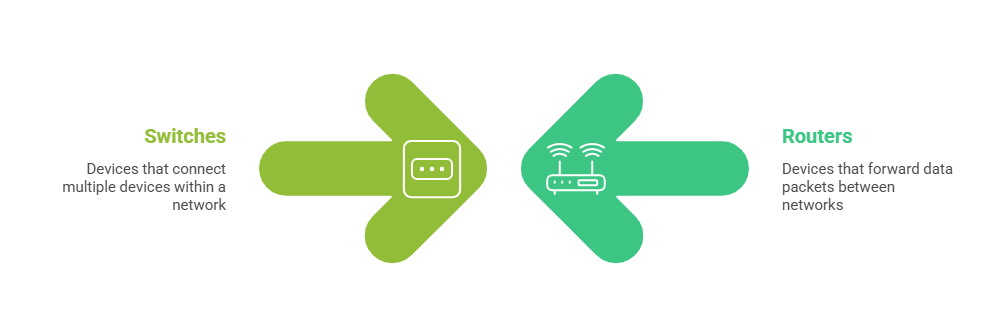
1. Routers
Routers operate at the Network Layer (Layer 3) of the OSI model and are responsible for connecting multiple networks, such as linking different LANs or bridging a LAN to the internet. They manage network traffic by forwarding data packets to their destination IP addresses using routing tables.
By dividing broadcast domains, routers help reduce congestion and enhance overall network security. Commonly used in home and office environments to enable internet connectivity, routers can be configured using either static or dynamic routing methods.
2. Switches
Switches operate primarily at the Data Link Layer (Layer 2) of the OSI model, though some also function at Layer 3 to provide limited routing capabilities. They connect devices within a LAN by forwarding frames based on MAC addresses to the correct destination ports, helping improve network efficiency by reducing collisions and segmenting traffic into multiple collision domains.
Switches come in various types, including unmanaged models for simple plug-and-play use, managed switches that support advanced features like VLANs and QoS, and Layer 3 switches with built-in routing capabilities. Additionally, Power over Ethernet (PoE) switches can deliver electrical power to devices such as VoIP phones directly through Ethernet cables.
Network Architectures
Different network architectures serve different scales and connectivity needs, from small buildings to global communication systems.
Here are the key architectures commonly implemented in IT infrastructures: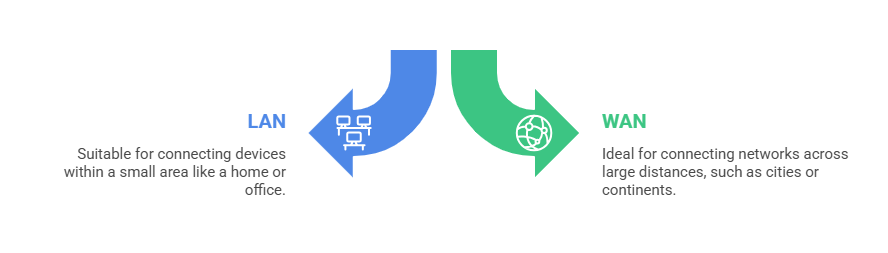
1. Local Area Network (LAN)
A LAN is a network that covers a small, localised area such as a home, office, or building. It connects computers, printers, servers, and other devices to enable resource sharing and communication.
LANs typically use switches to provide high-speed, low-latency connections between devices, while Wireless LANs (WLANs) use access points to offer Wi-Fi connectivity within a limited area. These networks are usually privately owned and managed.
2. Wide Area Network (WAN)
A WAN connects multiple geographically dispersed networks, such as different office branches of a company or the internet as a whole. WANs rely on routers, switches, leased lines, and sometimes VPNs to support communication over long distances.
Due to the extended reach and infrastructure complexity, WAN connections often experience slower data rates and higher latency. The internet is the largest example of a WAN, comprising numerous interconnected LANs, MANs, and other networks.

Class Sessions
Sales Campaign

We have a sales campaign on our promoted courses and products. You can purchase 1 products at a discounted price up to 15% discount.