A dataset is the foundation of every AI and machine learning project. Before any model can be trained or any prediction made, you need data — structured, loaded, and understood. Working with datasets means knowing how to find them, load them into Python, explore their structure, and prepare them for analysis.
What is a Dataset?
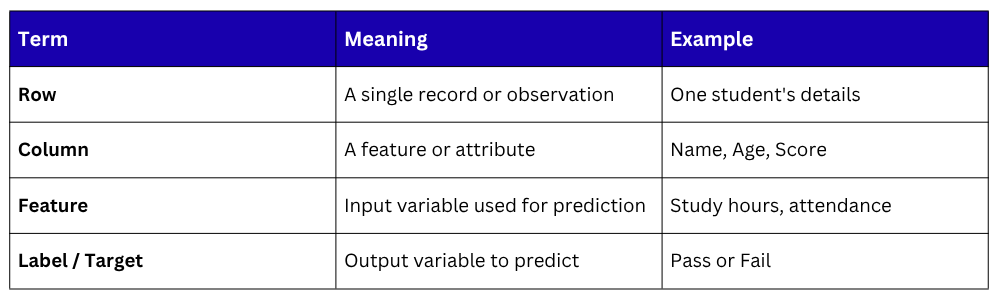
A dataset is a structured collection of data organized in rows and columns, where each row represents a record and each column represents a feature or attribute.
Where to Get Datasets
Several reliable platforms provide free datasets for learning and AI projects:
1. Kaggle — kaggle.com/datasets — largest collection of real-world datasets.
2. UCI ML Repository — archive.ics.uci.edu — classic machine learning datasets.
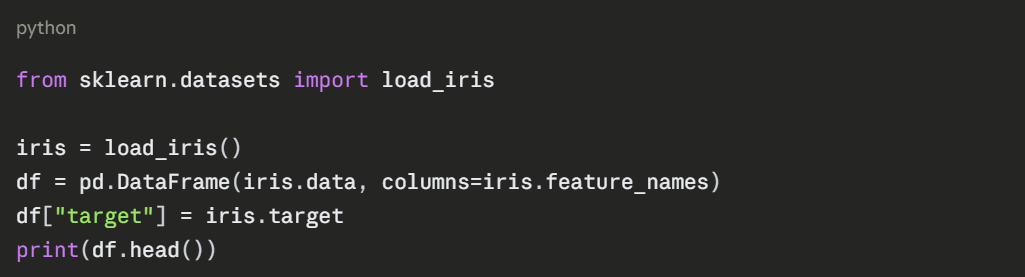
3. Scikit-learn — built-in sample datasets ready to use in Python.
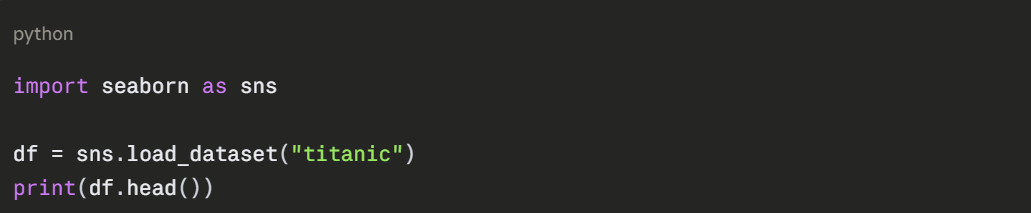
4. Seaborn — comes with several small built-in datasets for visualization practice.
5. Google Dataset Search — datasetsearch.research.google.com.
Loading a Dataset
The most common way to load a dataset in Python is through Pandas.
Loading from a CSV file

Loading from a URL
You can load datasets directly from the internet without downloading them first.
python
url = "https://raw.githubusercontent.com/datasciencedojo/datasets/master/titanic.csv"
df = pd.read_csv(url)
print(df.head())
Loading Built-in Datasets from Scikit-learn
Loading Built-in Datasets from Seaborn
Exploring a Dataset
Before doing anything else, always explore your dataset to understand what you are working with.
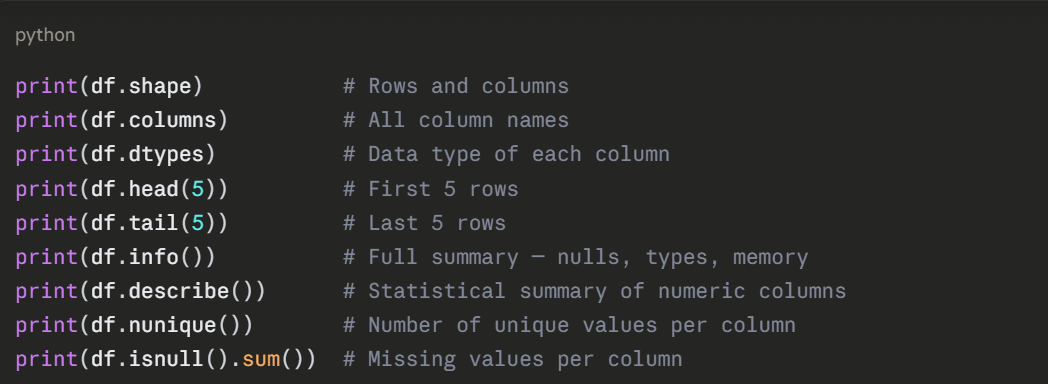
What to Look for During Exploration
1. Shape: How many rows and columns?
2. Data types: Are numeric columns stored as numbers or strings?
3. Missing values: Which columns have nulls and how many?
4. Unique values: Are categorical columns clean and consistent?
5. Statistical summary: What are the ranges, means, and distributions?
Selecting and Filtering Data
Once loaded, you frequently need to extract specific parts of the dataset.
python
# Select a single column
print(df["Score"])
# Select multiple columns
print(df[["Name", "Score", "Grade"]])
# Filter rows by condition
passed = df[df["Score"] >= 50]
print(passed)
# Filter with multiple conditions
top_students = df[(df["Score"] >= 80) & (df["Grade"] == "A")]
print(top_students)
# Select specific rows and columns
print(df.loc[0:4, ["Name", "Score"]]) # By label
print(df.iloc[0:5, 0:3]) # By position
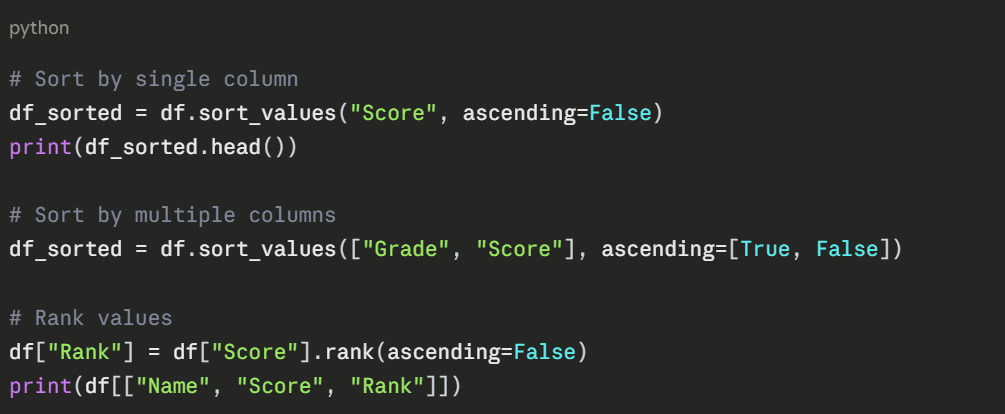
Sorting and Ranking Data
Sorting helps you identify top and bottom performers in a dataset.
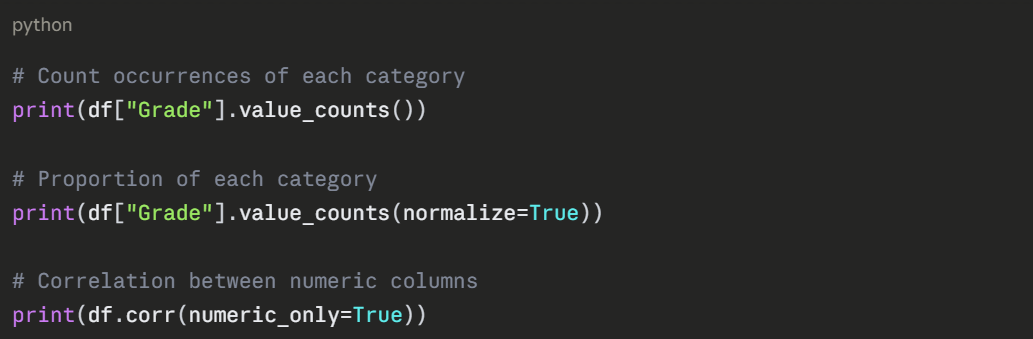
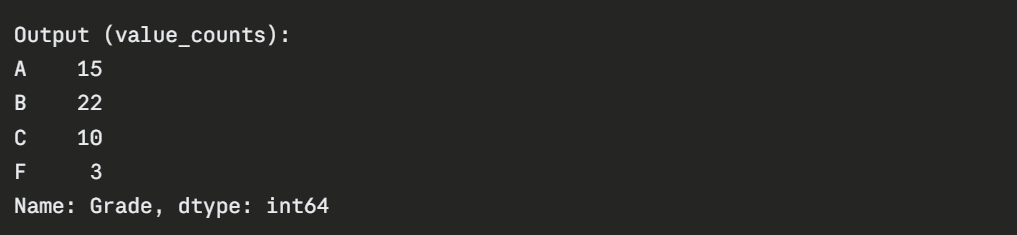
Understanding Value Distribution
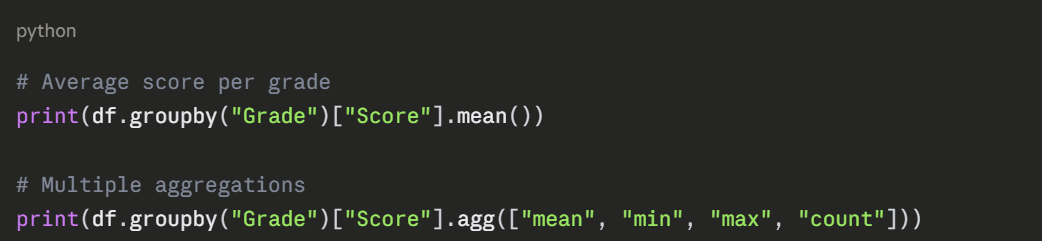
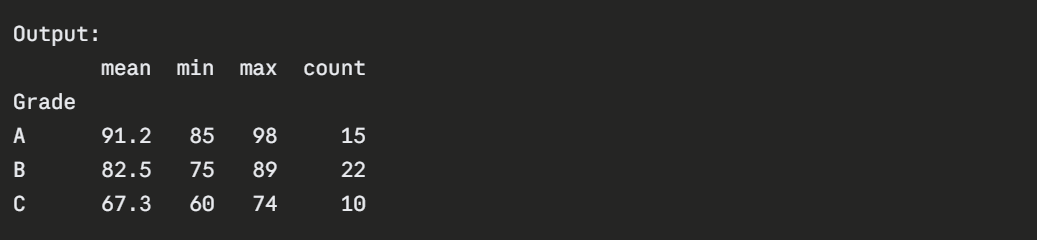
Grouping and Summarizing
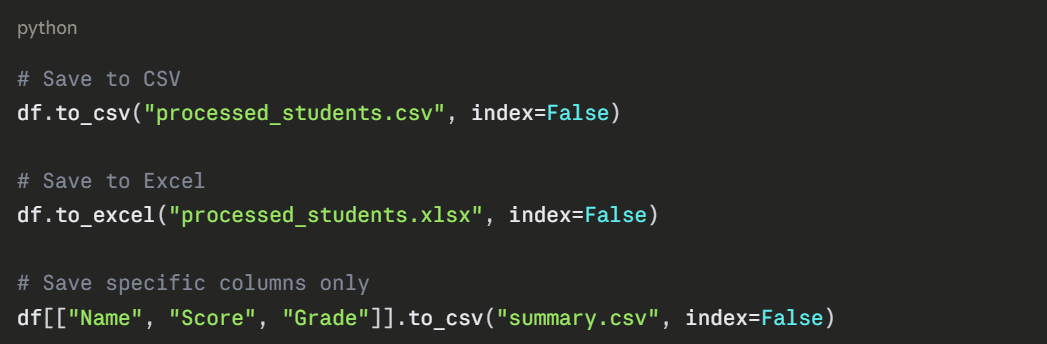
Saving a Processed Dataset