Raw data rarely arrives in a format that is ready for analysis. It needs to be loaded, inspected, cleaned, and organized before anything useful can be done with it.
Pandas is the Python library built specifically for this job. It provides powerful, flexible data structures, particularly the DataFrame — that make working with structured, tabular data fast and intuitive.
In AI and data science, Pandas is the standard tool for data handling, and virtually every project begins with it.
Installing and Importing Pandas
Pandas comes pre-installed with Anaconda. To install manually:

Import it using the standard alias pd:

Core Data Structures
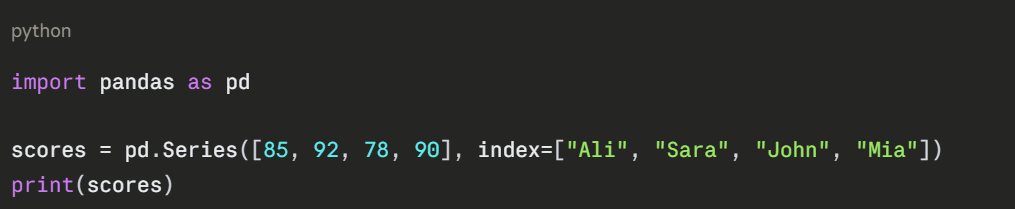
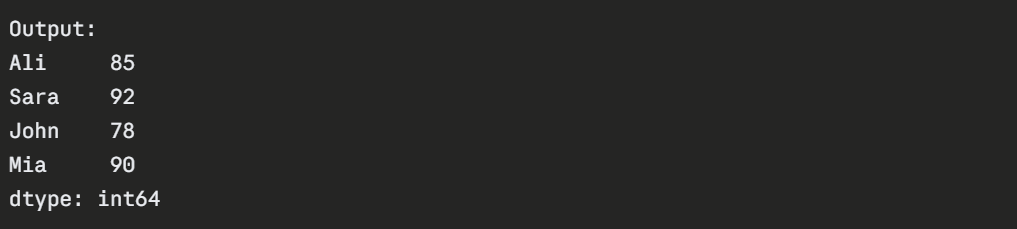
Pandas has two primary data structures:
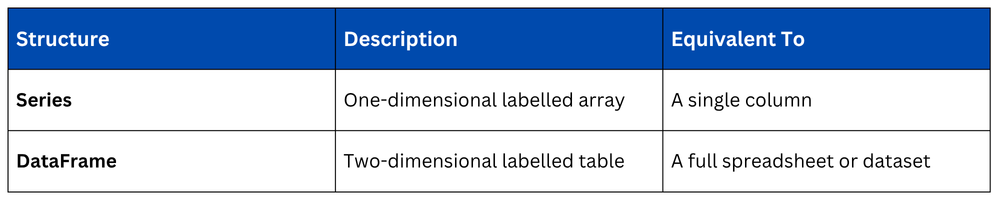
Series — A Single Column of Data
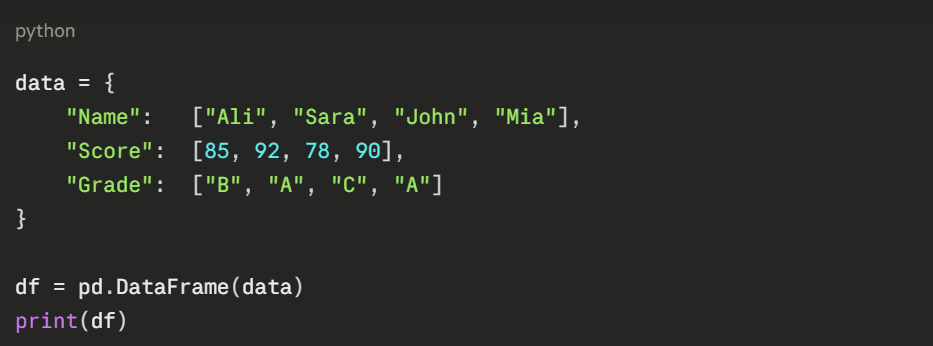
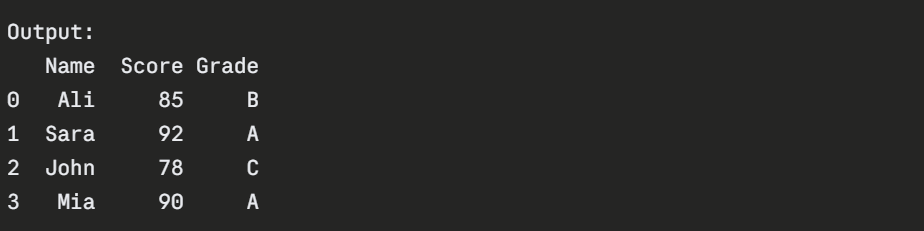
DataFrame — A Full Table of Data
A DataFrame is the primary structure you will work with. It consists of rows and columns, similar to an Excel spreadsheet.
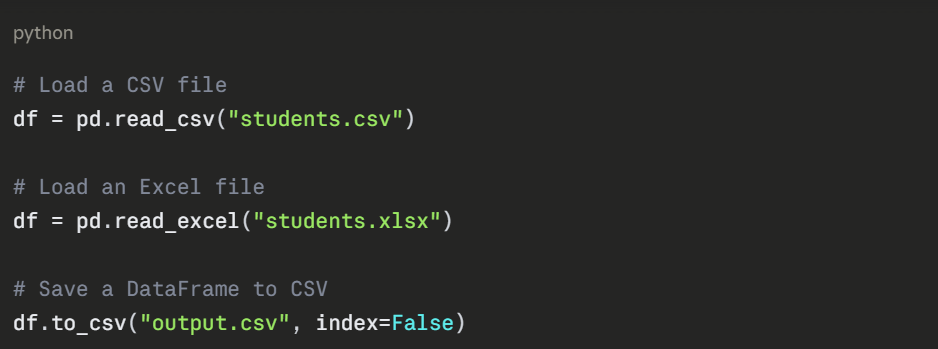
Loading Data from a File
In practice, data comes from external files. Pandas makes loading data straightforward.
Inspecting a DataFrame
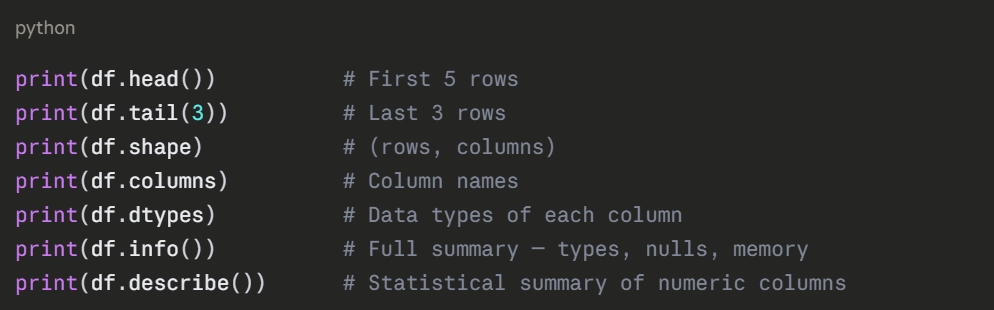
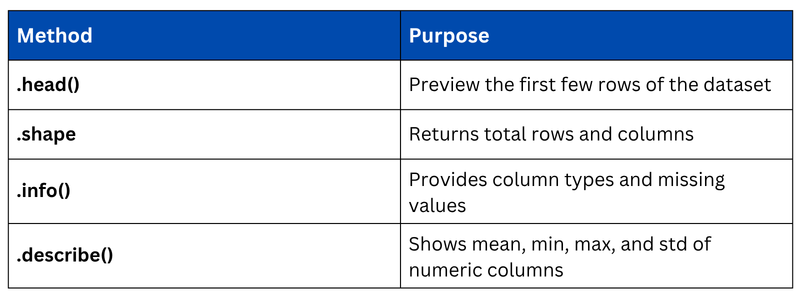
Before working with data, always inspect it first to understand its structure and contents.
Selecting Data
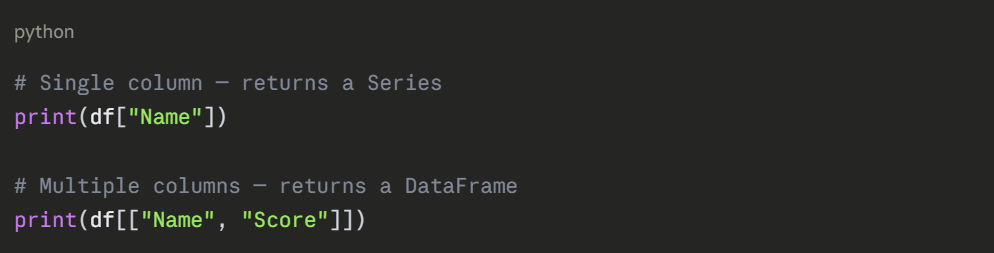
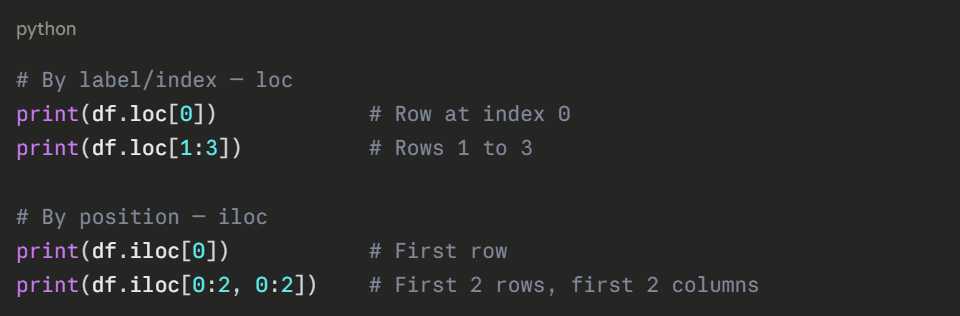
Accessing specific rows, columns, or cells is a daily operation in data handling.
Selecting Columns
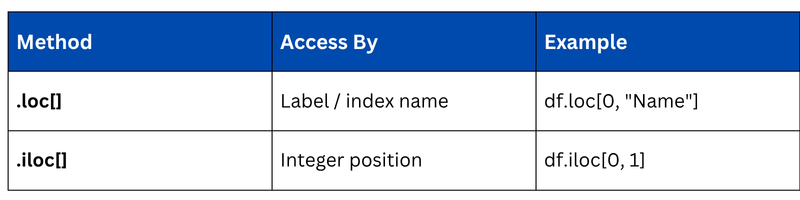
Selecting Rows — .loc[] and .iloc[]
Filtering Data
Filtering lets you extract rows that meet specific conditions, essential for data preprocessing in AI.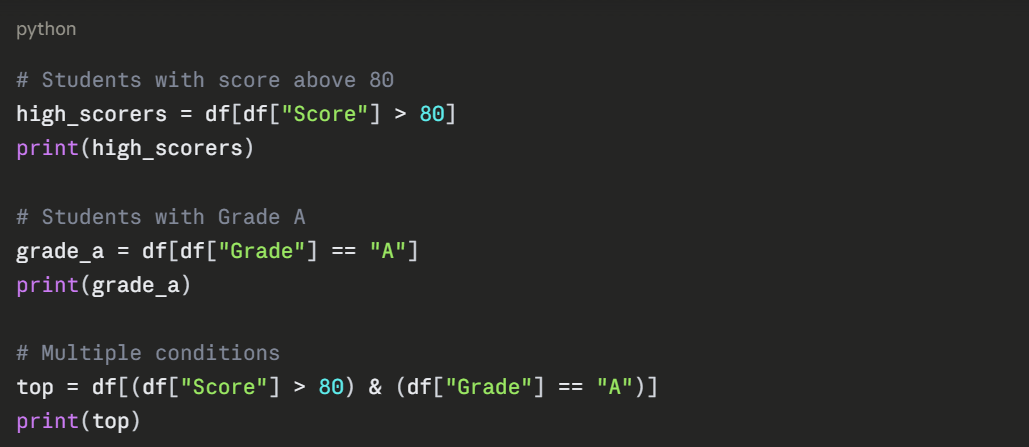
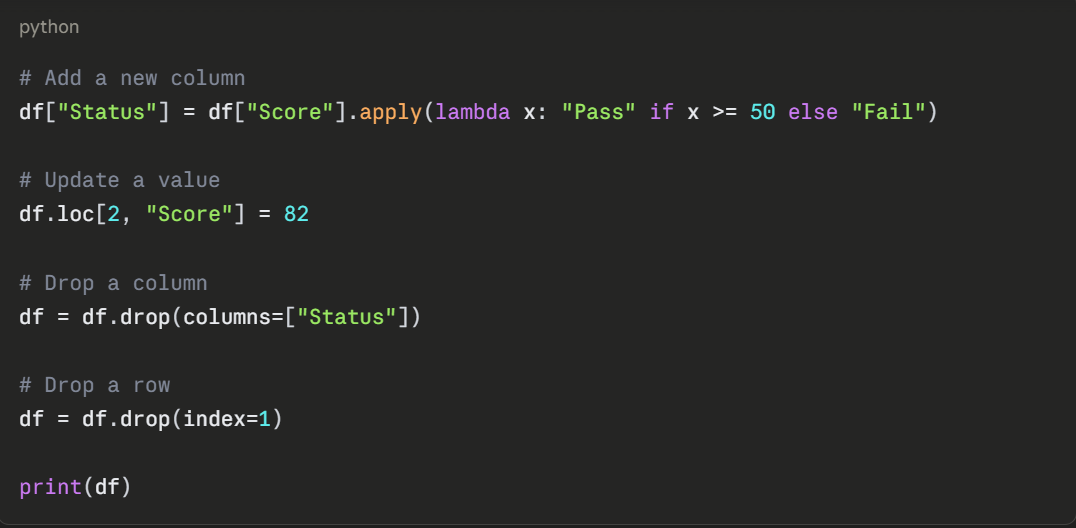
Modifying a DataFrame
You can add new columns, update values, or drop unnecessary ones.
Handling Missing Data
Real-world datasets almost always have missing values. Pandas provides simple tools to detect and handle them.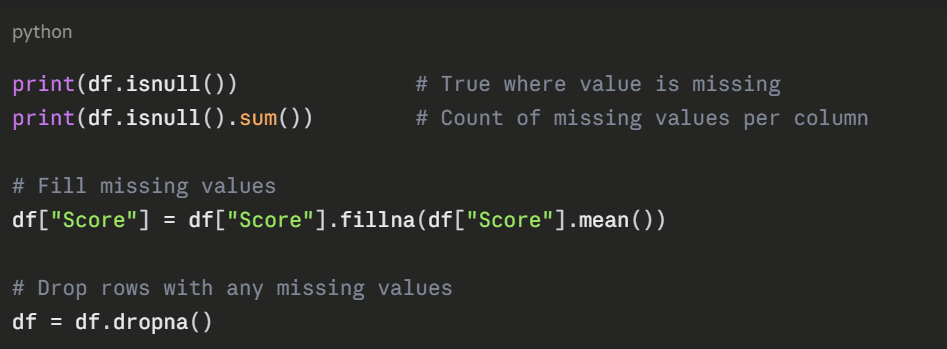
Grouping and Aggregating Data
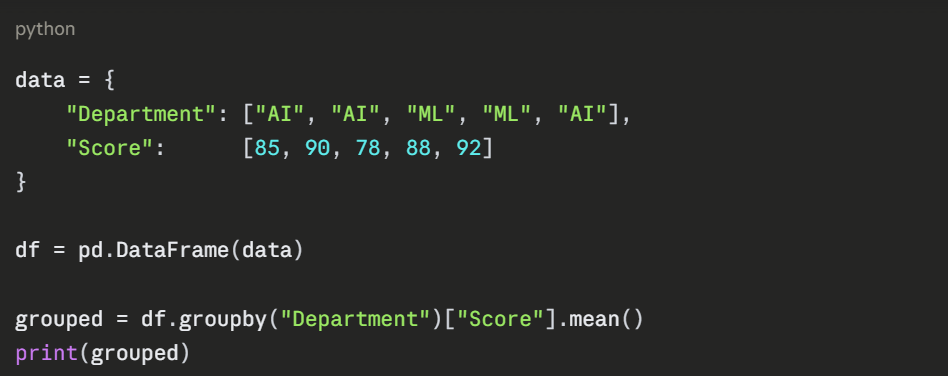
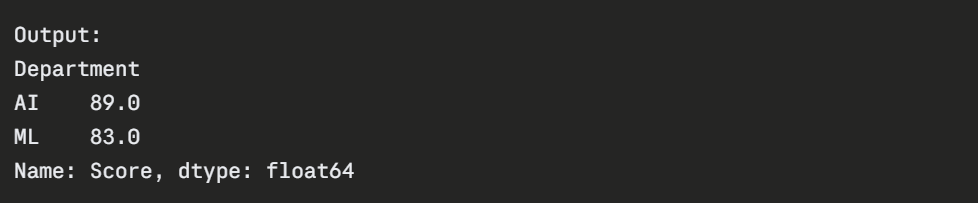
Grouping lets you summarize data by category — commonly used in exploratory data analysis.