As programs grow larger, writing the same logic repeatedly becomes inefficient and error-prone. Functions solve this problem by allowing you to define a block of code once and reuse it whenever needed.
A function is a named, reusable unit of code that performs a specific task. Functions make programs shorter, easier to read, and simpler to maintain qualities that are essential in professional Python and AI development.
Defining a Function
A function is defined using the def keyword, followed by the function name, parentheses, and a colon. The indented block beneath it is the function body, the code that runs when the function is called.
Syntax:

Example:

At this point, the function is defined but has not run yet. Nothing happens until you call it.
Calling a Function
To execute a function, you call it by writing its name followed by parentheses.
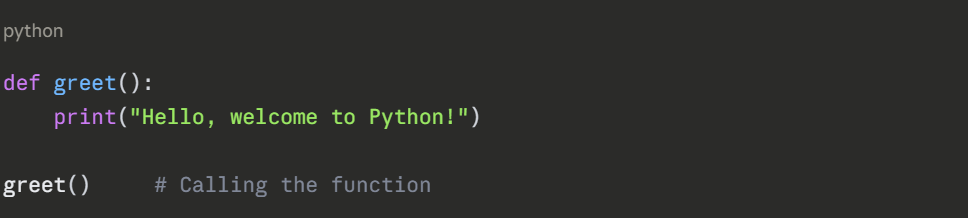

You can call the same function as many times as needed, this is the core benefit of reusability.


Functions with Parameters
Parameters allow you to pass information into a function, making it flexible and dynamic. They are defined inside the parentheses when the function is created.
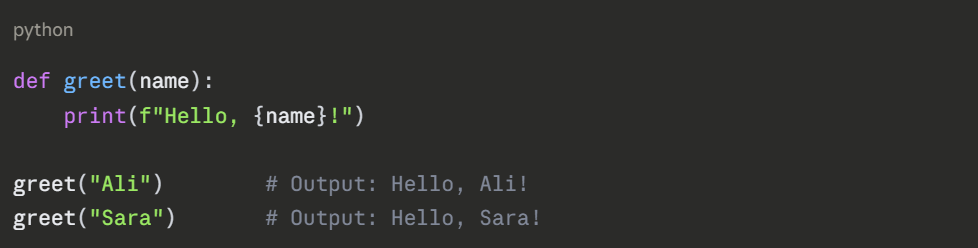
You can define multiple parameters separated by commas:
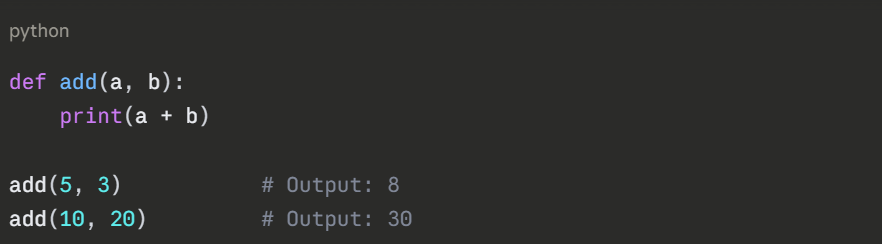
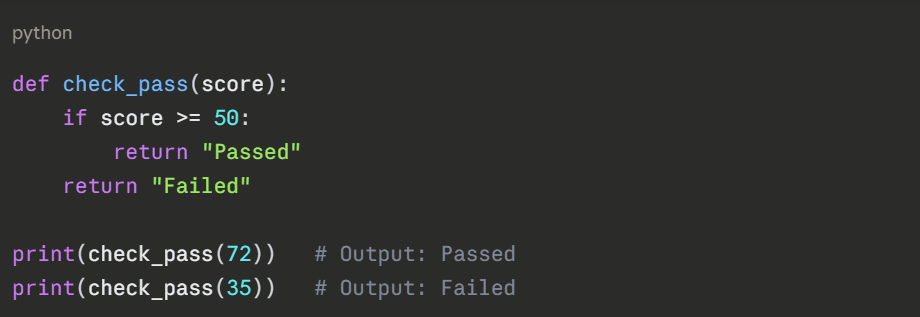
Functions with Return Values
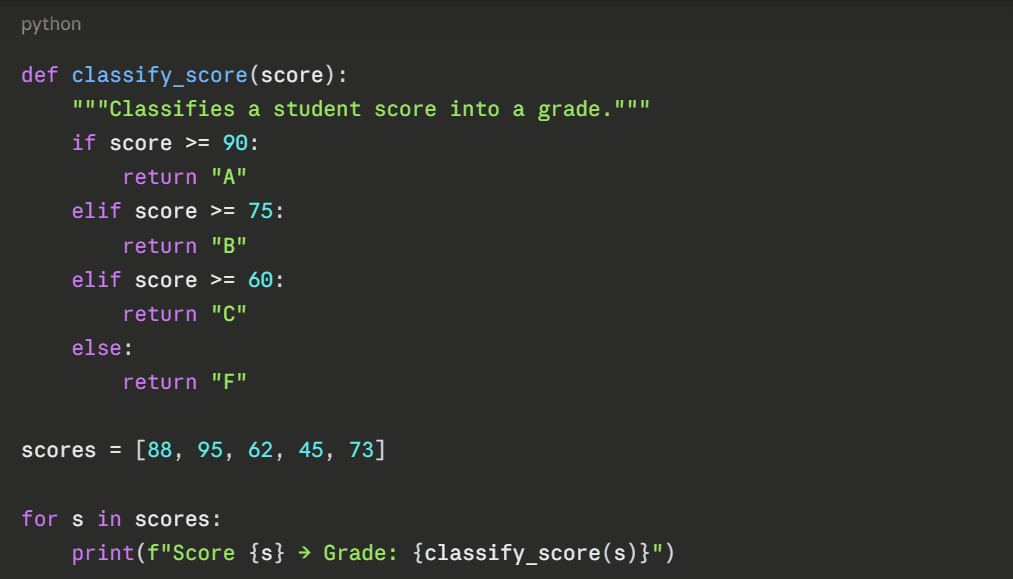
Instead of just printing, a function can return a result using the return statement. This makes the output available for further use in your program.
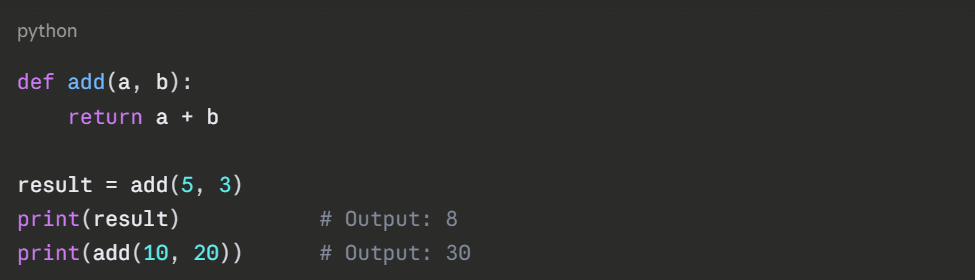
A function stops executing as soon as it hits return. Any code after return inside the function is not executed.
Default Parameter Values
You can assign a default value to a parameter. If the caller does not provide that argument, the default is used.
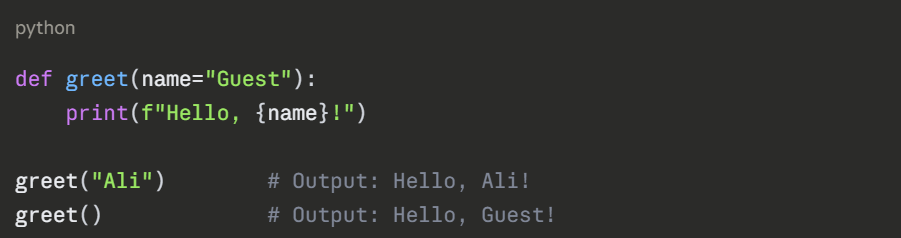
Default parameters must always come after non-default ones in the function definition.
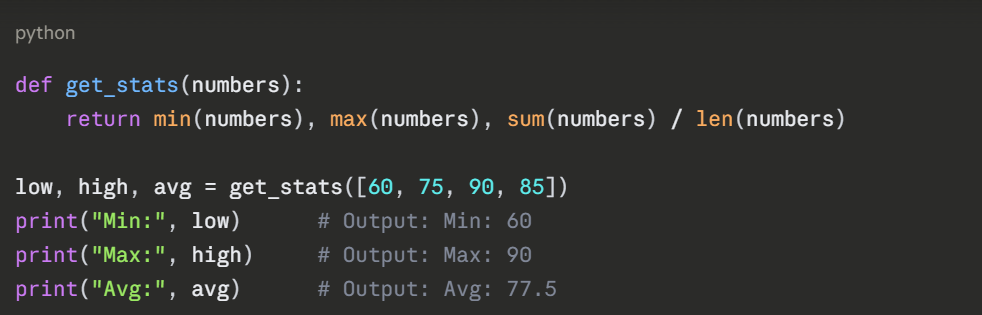
Returning Multiple Values
Python functions can return more than one value at a time using a tuple.
Docstrings — Documenting Your Function
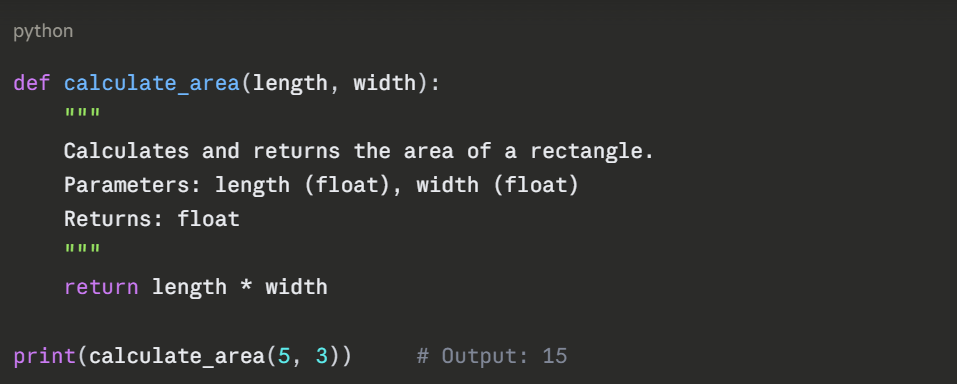
A docstring is a short description placed at the top of a function body using triple quotes. It explains what the function does and is considered best practice in professional code.
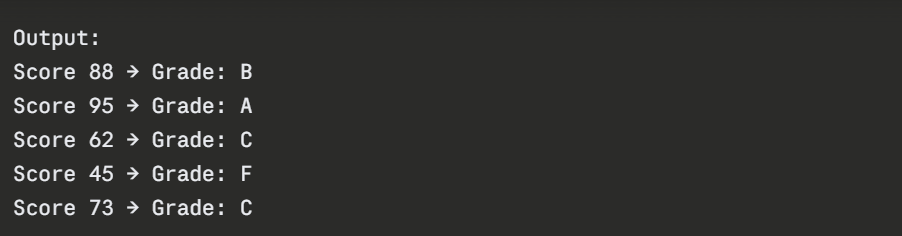
How It All Works Together
Common Mistakes to Avoid
1. Forgetting to call the function — defining it alone does nothing.
2. Missing return — function returns None by default if omitted.
3. Incorrect indentation — the function body must be consistently indented.
4. Placing default parameters before non-default ones, causes a SyntaxError.
