Text file processing and searching are fundamental tasks in Linux development and system administration. Linux offers a rich set of command-line tools specifically designed to help users manipulate, analyze, and search text files efficiently.
Whether dealing with configuration files, logs, source code, or structured data, mastering these tools empowers developers to automate workflows, troubleshoot issues, and extract meaningful insights from large datasets.
cat: Displaying and Concatenating Files
The cat command is widely used to display the entire content of a text file in the terminal. Additionally, it can concatenate multiple files and create or append content to files.
Key uses:
- Display file content on the terminal:
cat filename.txt- Concatenate multiple files:
cat file1.txt file2.txt > combined.txt- Append text to an existing file:
echo "New line" >> filename.txtView hidden characters and line endings using cat -A which reveals tabs, line breaks, and other non-printable characters.
grep: Searching for Patterns in Files
The grep command allows searching for specific text patterns within files, supporting regular expressions and case sensitivity options.
Important options:
grep "pattern" filename searches for "pattern" in a file.
-i enables case-insensitive search.
-r (recursive) searches files inside directories and subdirectories.
-n displays line numbers of matching lines.
-v inverts the search, displaying lines that do NOT match the pattern.
Color highlighting for matches can be enabled with --color=auto.
Example:
grep -inr "error" /var/log/searches all files recursively in /var/log/ for case-insensitive occurrences of "error" and shows line numbers.
awk: Versatile Text Processing and Reporting
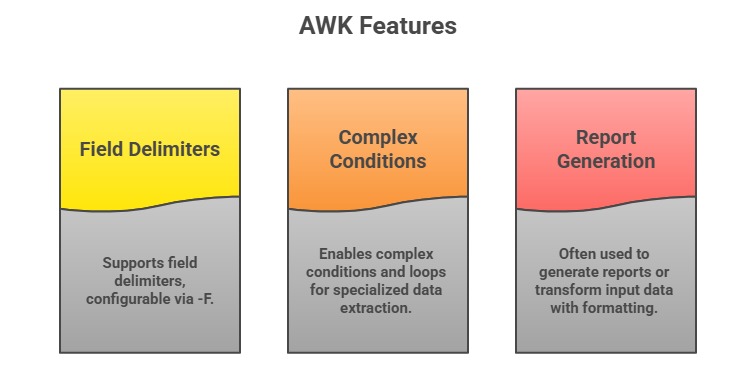
awk is a powerful pattern scanning and text processing language, primarily used for extracting and manipulating columns or fields in structured data like CSV or log files.
Basic usage:
awk '{print $1, $3}' filename.txtprints the first and third fields (columns) of each line.
Example:
awk -F: '{print $1}' /etc/passwdlists all usernames from the passwd file by splitting on the colon delimiter.
sed: Stream Editing and Transformation
sed is a stream editor used to perform basic text transformations on input streams or files, including search and replace, insertion, and deletion.
Common usage:
1. Substituting text
sed 's/oldword/newword/g' filename.txtreplaces all instances of "oldword" with "newword".
2. Deleting lines containing a pattern:
sed '/pattern/d' filename.txt3. Inserting or appending lines conditionally.
sed operates non-interactively and can be used in shell scripts to automate editing tasks.
cut and paste: Extracting and Combining Text Columns
cut extracts specific sections or columns from lines in a file, useful for CSV or delimited text data.
Examples:
- Extract the first column separated by a delimiter:
cut -d ',' -f 1 data.csv- Extract character ranges:
cut -c 1-10 filename.txtpaste combines lines from multiple files horizontally, merging columns side by side.
wc: Counting Lines, Words, and Characters
The wc command counts the number of lines, words, and characters in a file and helps assess file size and content volume.
Usage:
wc filename.txtOutputs counts: lines, words, and bytes.
Options can include:
-l for lines only
-w for words only
-c for characters only
Piping and Redirecting Data
Linux allows combining these commands with pipes (|) to build powerful data-processing pipelines for complex tasks.
Example:
grep "error" logfile.txt | wc -lcounts how many lines in logfile.txt contain the word "error".
Similarly,
cat file.txt | awk '{print $2}' | sort | uniq -c | sort -nrextracts the second column, counts unique occurrences, and sorts them by frequency.
