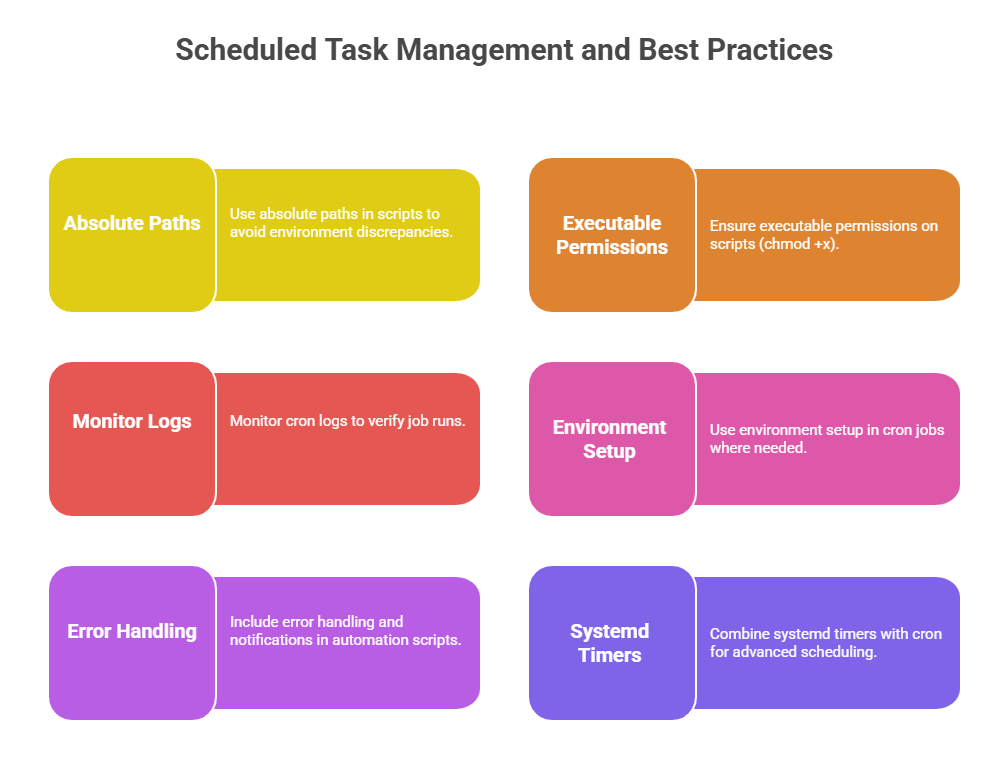
System automation scripts are essential for managing routine operational tasks efficiently and reliably on Linux systems. Automating tasks such as backups, log rotation, and scheduled jobs reduces manual effort, limits human errors, and ensures consistent system maintenance.
Backup Automation
Automated backups safeguard critical data by regularly copying files or directories to secure storage with minimal human intervention.
1. Scripts typically use compression tools like tar and gzip to archive data efficiently.
2. Backup filenames often include timestamps ($(date +%Y-%m-%d)) for versioning.
3. Example backup script snippet:
BACKUP_DIR="/backup"

DATE=$(date +%F)

BACKUP_FILE="$BACKUP_DIR/system_backup_$DATE.tar.gz"

tar -czf $BACKUP_FILE /etc /home /var/log

echo "Backup created at $BACKUP_FILE"
4. Enhancements include error checking, email notifications, and purging old backups to save space.
Log Rotation
Log files grow continuously and can consume significant disk space if unmanaged. Log rotation automates archiving and removal of old logs.
1. The logrotate utility is the standard tool for managing log rotations.
2. Configuration files specify rotation frequency (daily, weekly), retention count, compression, and creation of new log files.
3. Sample logrotate config excerpt:
/var/log/myapp/*.log {

    daily

    rotate 7

    compress

    missingok

    notifempty

    create 640 root adm

}
4. Custom scripts can complement logrotate to archive or clean specific log sets.
Cron Job Scripting
Cron is the built-in Linux scheduler used to automate script execution at specified intervals.
1. Cron jobs are defined in user or system crontab files edited using crontab -e.
2. Crontab syntax follows the format:
* * * * * /path/to/command arg1 arg2representing minute, hour, day of month, month, and day of week.
3. Example: Schedule daily backup at 2 AM:
0 2 * * * /home/user/backup_script.sh >> /var/log/backup.log 2>&14. Redirecting stdout and stderr to log files aids in monitoring job execution.