Control Flow Statements in Python
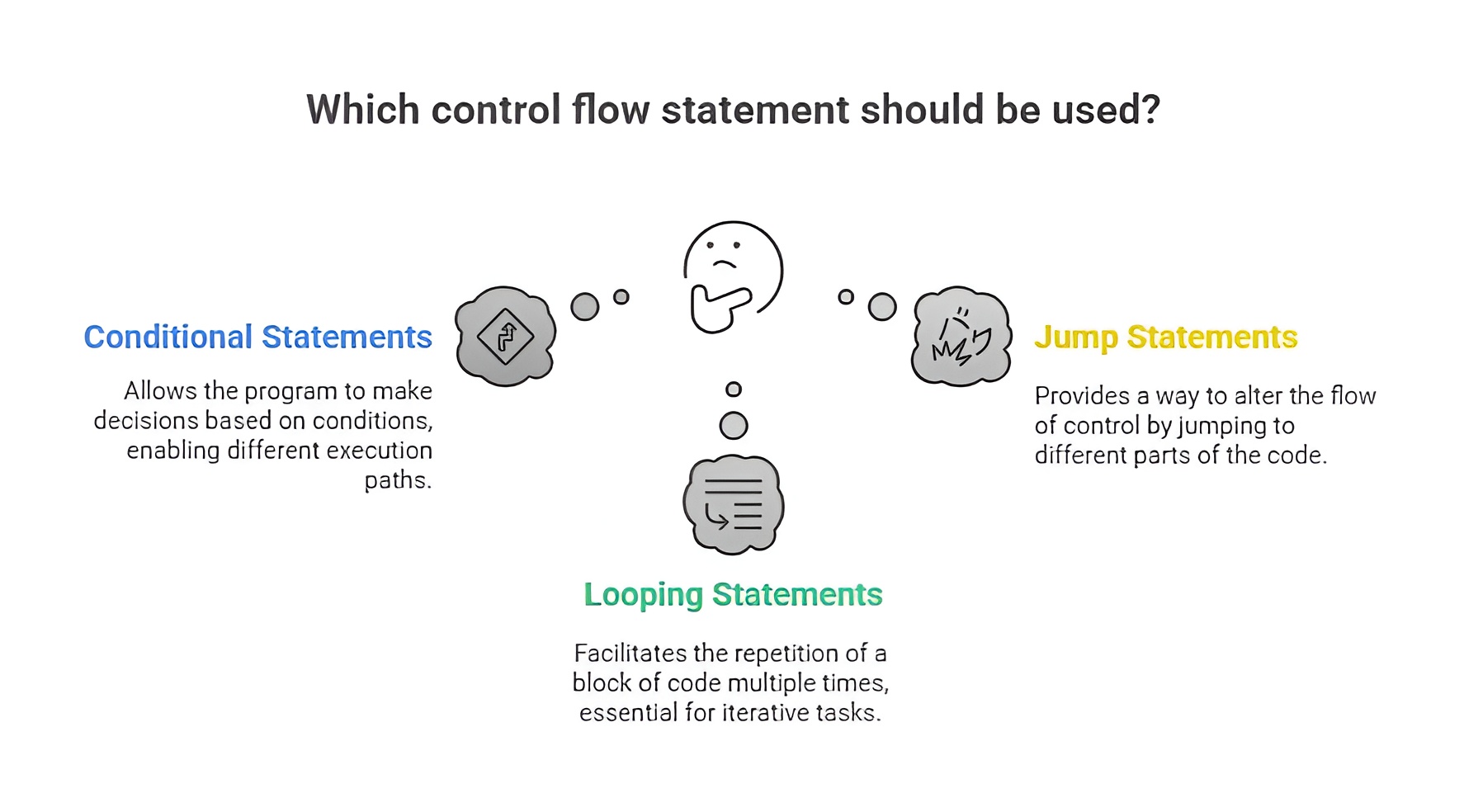
Control flow statements in Python are the instructions that decide the direction in which the program should move based on certain conditions. These statements help the program make decisions, repeat tasks, and jump to different sections of code. Among all control flow mechanisms, conditional statements are the most important because they allow a program to check a condition and execute code only when that condition is true.
3.1 Conditional Statements
Conditional statements in Python are used to perform different actions depending on whether a condition is true or false. A condition is usually a logical expression that evaluates to either True or False. When Python encounters a conditional statement, it evaluates the expression and executes the block of code associated with its result. These conditions allow decision-making in a program, making it dynamic and flexible.
The if Statement
The if statement is the simplest decision-making statement in Python. It checks a condition, and if the condition evaluates to True, then the block of code inside the if statement is executed. If the condition is False, Python simply skips the block without running it. It is mainly used when you want to perform an action only when a specific condition holds true.
Syntax
if condition:
statement(s)
Example
age = 20
# The condition age > 18 becomes True
if age > 18:
print("You are eligible to vote") # This will run because condition is True
The if-else Statement
The if-else statement provides two possible paths of execution. The if block executes when the condition is True, and the else block executes when the condition is False. It ensures that one of the two blocks always executes, which is helpful in cases where both possible outcomes need to be handled.
Syntax
if condition:
statement(s)
else:
statement(s)
Example
age = 16
# The condition age >= 18 becomes False
if age >= 18:
print("You are eligible to vote") # This will NOT run
else:
print("You are not eligible to vote") # Else runs because condition is False
Nested if Statement
A nested if statement means placing one if statement inside another. This allows checking multiple conditions in a structured way. The inner if block executes only when the outer if condition is True. Nested conditions are used when decisions depend on more than one level of checking.
Syntax
if condition1:
if condition2:
statement(s)
else:
statement(s)
else:
statement(s)
Example
age = 25
country = "India"
# First check if age is above 18
if age > 18:
# Second condition inside the first one
if country == "India":
print("You can apply for an Indian driving license") # Both conditions True
else:
print("You are not from India") # Runs if country is not India
else:
print("You must be above 18 to apply") # Runs if age <= 18
The if-elif-else Statement
The if-elif-else statement is used when you have more than two possible conditions to check. It allows you to test multiple conditions one after another. The program checks the first if condition; if it is False, it moves to the elif condition, and so on. The first condition that becomes True gets executed, and the rest are ignored. The else block executes only when none of the previous conditions are True. It is useful for multi-way decision making.
Syntax
if condition1:
statement(s)
elif condition2:
statement(s)
elif condition3:
statement(s)
else:
statement(s)
Example
marks = 72
# First condition is False because marks is not above 90
if marks > 90:
print("Grade A+") # This will not run
# This condition is True because marks > 75 is False but marks > 60 is True
elif marks > 75:
print("Grade A") # This will not run because 72 is not > 75
elif marks > 60:
print("Grade B") # This runs because 72 > 60 is True
# Only runs if all above conditions are False
else:
print("Grade C")
Looping in Python
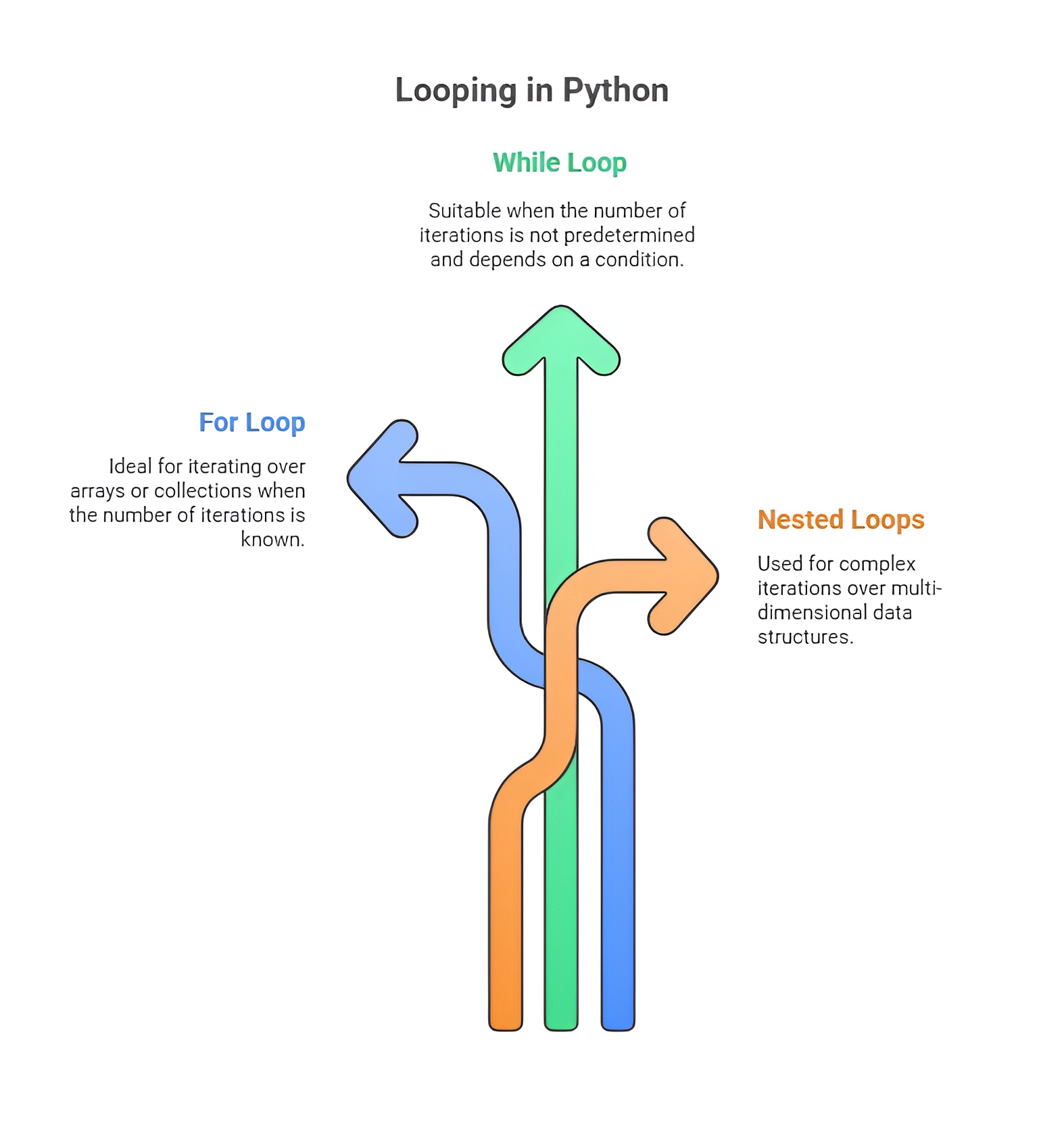
Looping in Python means executing a block of code repeatedly until a specific condition is met or until all elements in a collection have been processed. Loops reduce repetition in programs by automating tasks that need to be repeated multiple times. Python mainly provides two types of loops: the for loop, which iterates over sequences, and the while loop, which repeats a block of code based on a condition. Python also has special loop control statements like break, continue, and pass that modify the flow inside loops.
1) The for Loop
A for loop in Python is used to iterate through a sequence of elements such as a list, tuple, string, range, or any iterable object. It automatically picks each item from the sequence one by one and processes it. The loop stops when it reaches the end of the sequence. It is mainly used when the number of iterations is known or when we are working with sequences. This loop provides clean and readable syntax, making it ideal for iterating through collections.
Syntax
for variable in sequence:
statement(s)
Example with comments
for num in range(1, 6):
# num takes values 1, 2, 3, 4, 5 one by one
print("Number:", num) # Prints each number in the range
2) The while Loop
A while loop in Python executes a block of code repeatedly as long as a given condition remains True. Before every iteration, the condition is checked, and if the condition becomes False at any point, the loop stops. It is mostly used when the number of iterations is not fixed and depends on dynamic conditions. A while loop needs careful handling to avoid infinite loops, which happen if the condition never becomes False.
Syntax
while condition:
statement(s)
Example
count = 1
# Loop will run as long as count is less than or equal to 5
while count <= 5:
print("Count:", count) # Prints current count value
count += 1 # Increases count to avoid infinite loop
Loop Control Statements
Loop control statements in Python are used to change the normal flow of loops during execution. The break statement terminates the loop immediately when a certain condition is met. The continue statement skips the current iteration and moves to the next one. The pass statement is used as a placeholder when no action is required but a statement is syntactically needed. These statements help in making loop execution more flexible and controlled.
1) The break Statement
The break statement is used to stop a loop completely even before it has finished all its iterations. When Python encounters a break statement inside a loop, it immediately exits the loop and continues with the code that comes after the loop. It is useful when you want to end a loop when a particular condition is met.
Syntax
break
Example
for num in range(1, 10):
# Check if the number equals 5
if num == 5:
break # Loop stops immediately when num becomes 5
print(num) # Prints numbers until 4
2) The continue Statement
The continue statement is used to skip the current iteration of a loop and jump directly to the next iteration. It does not stop the loop but only avoids executing the remaining code inside the loop for that particular iteration. It is useful when you want to ignore or skip certain values while still continuing the loop.
Syntax
continue
Example
for num in range(1, 6):
if num == 3:
continue # Skips the printing of number 3
print(num) # Prints 1, 2, skips 3, then prints 4 and 5
3) The pass Statement
The pass statement is a null operation in Python. It does nothing when executed. It is used as a placeholder when a statement is required by Python’s syntax but no action is needed yet. Programmers often use pass inside loops, functions, or classes that are not yet fully implemented. It allows the code to run without producing errors.
Syntax
pass
Example
for num in range(1, 6):
if num == 3:
pass # Does nothing but keeps loop structure valid
print("Value:", num) # Even when num is 3, loop continues normally

Class Sessions
Sales Campaign

We have a sales campaign on our promoted courses and products. You can purchase 1 products at a discounted price up to 15% discount.